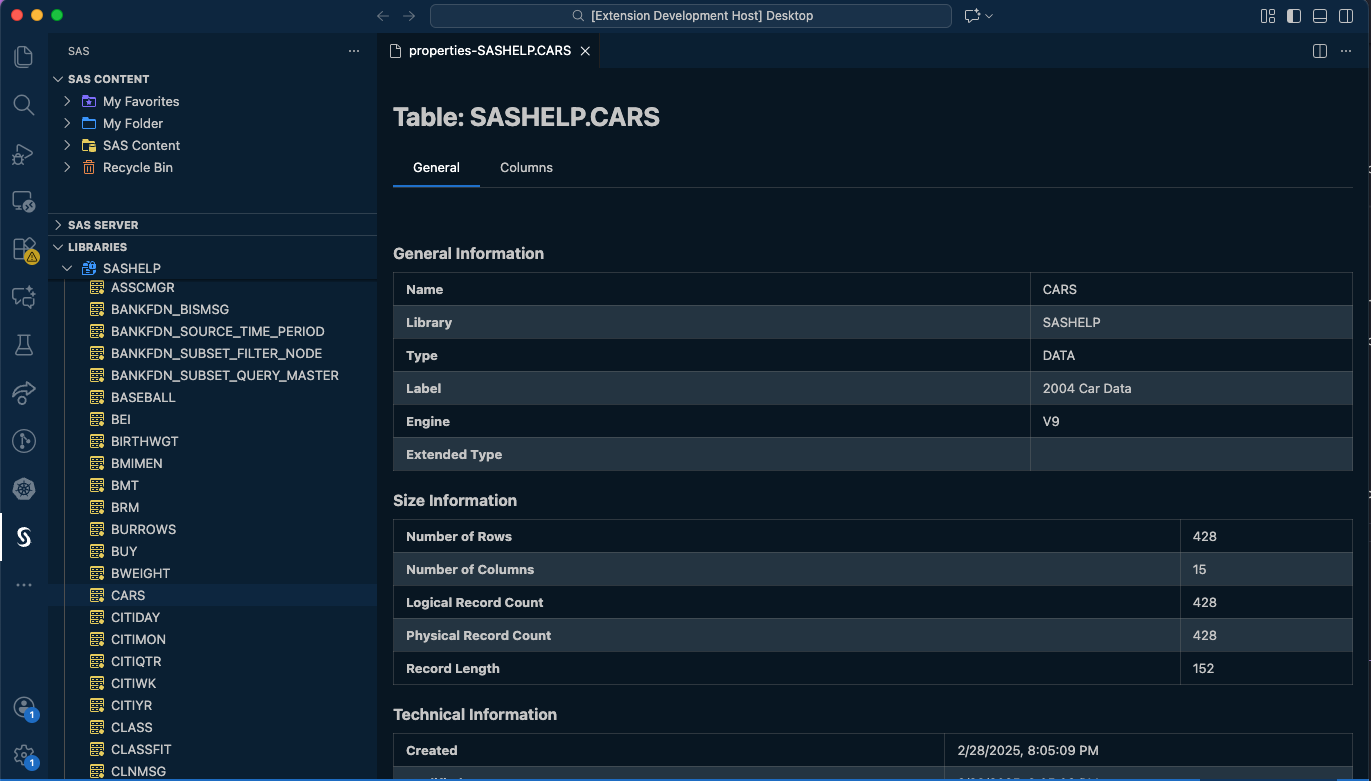
Accessing Libraries and Tables
After you configure the SAS extension for a SAS Viya, SAS 9.4 (local), or SAS 9.4 (remote-IOM) environment, you can access your connected libraries.
You can use the Libraries pane to delete a table, drag and drop tables into your SAS program code, view table data, or view table properties.
Viewing Table Data
When viewing table data, you have the following options available for each column (accessible by hovering over a column and clicking the menu button):
- Column pinning: Each column can be pinned to the left or the right of the data viewer to have an always on-screen view of important columns.
- Sort: Each column can be sorted ascending or descending. To add multiple columns to a sort, click the menu for each column and select the sort type. Sort priority will be displayed next to each column's direction icon.
- Properties: Clicking properties will reveal the properties for the specific column chosen.
- Filtering results: Results can be filtered by specifying where conditions in the filter bar and pressing enter. To reset the filter, click the clear (X) button.
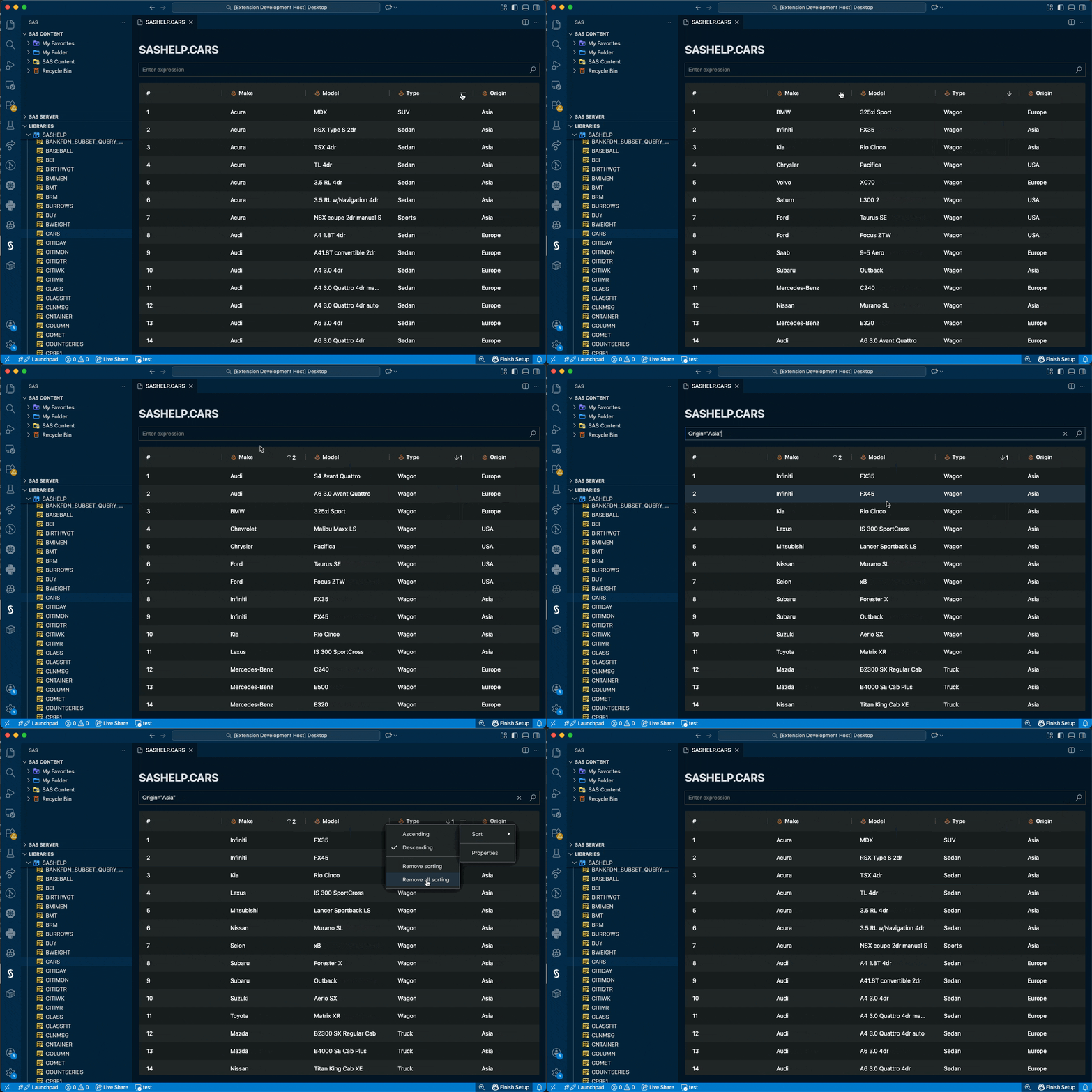
Table Properties
Table Properties can be revealed using the "Properties" menu item in the libraries pane or by clicking "Properties" from a table's column menu.