Data Synthesis with Python faker, and supporting steps.
Description
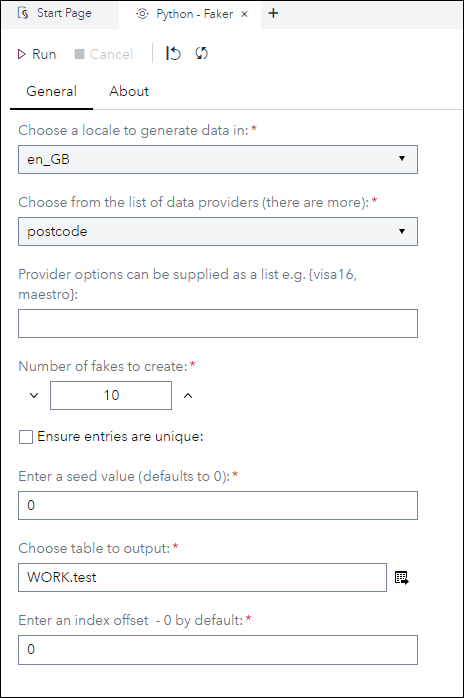
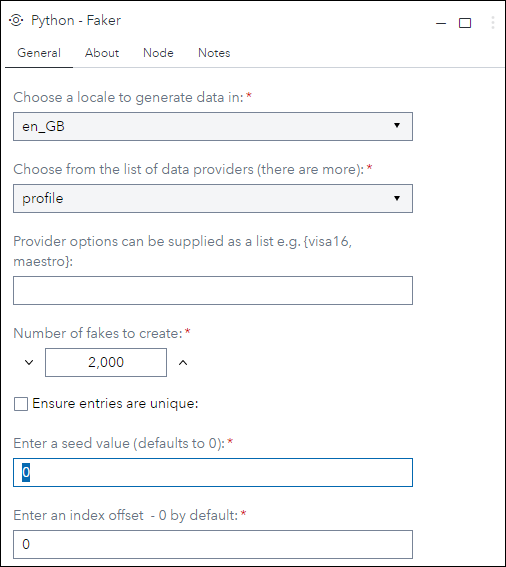
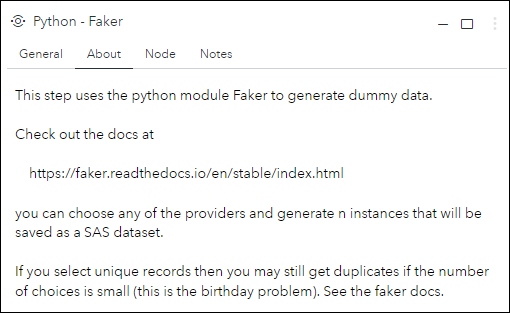
The Python - faker custom step enables SAS Studio users to generate synthetic data using the Python faker module (some internal changes in V1.1.1).
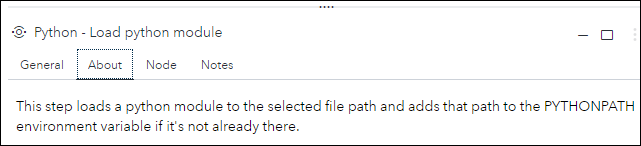
The Python - Load python module custom step enables SAS Studio users to download or update the files for a Python module to a location on their filesystem so that it can be used with Python (see Step below).
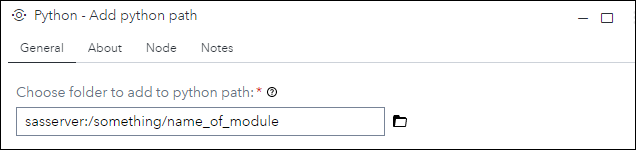
The Python - Add python path custom step enables SAS Studio users to add a path on their filesystem to the pythonpath so that Python modules located there can be utilised (see Step above).
User Interface
Python - faker
Python - Load python module
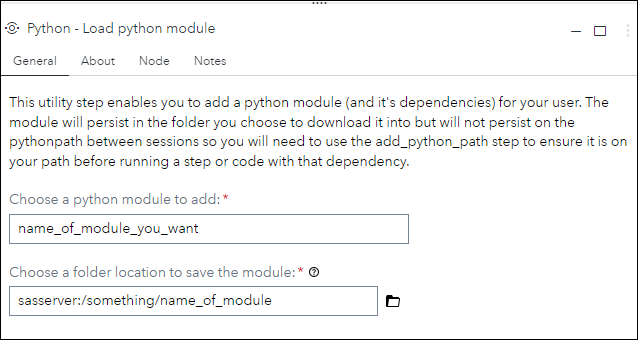
Python - Add python path

Requirements
Python - Faker requires that the faker module is availabe to the Python instance in Viya.
The Steps Python - Load python module and Python - Add python path can be used to achieve this, if faker is not already available.
Has only been tested on 2022.1.5 or later
Usage
The usage of these steps, and faker itself, is disccused at length in a series of articles on the SAS Communities website.
Change Log
- Version 1.1.1 (22DEC2022)
- Some internal code indention fixes, quality of life improvements and some refactoring of the code as well to improve readability.
- Version 1.0 (06DEC2022)
- Initial version released to GitHub