SAAM - Document Analysis - Produce Usage Report
ACCESS THE CUSTOM STEP FOLDER
Description
This custom step is provided to enable point-and-click usage of the functionality available as part of the SAS Document Analysis offering from within the SAS Studio interface.
Run the SAAM - Document Analysis - Produce Usage Report step after a batch OCR process has finished (for example, by using the companion step SAAM - Document Analysis - Execute Batch OCR Process) to generate a usage report about the performed analysis.
Features
- Usage reporting metrics for previous SDA batch processes
User Interface
-
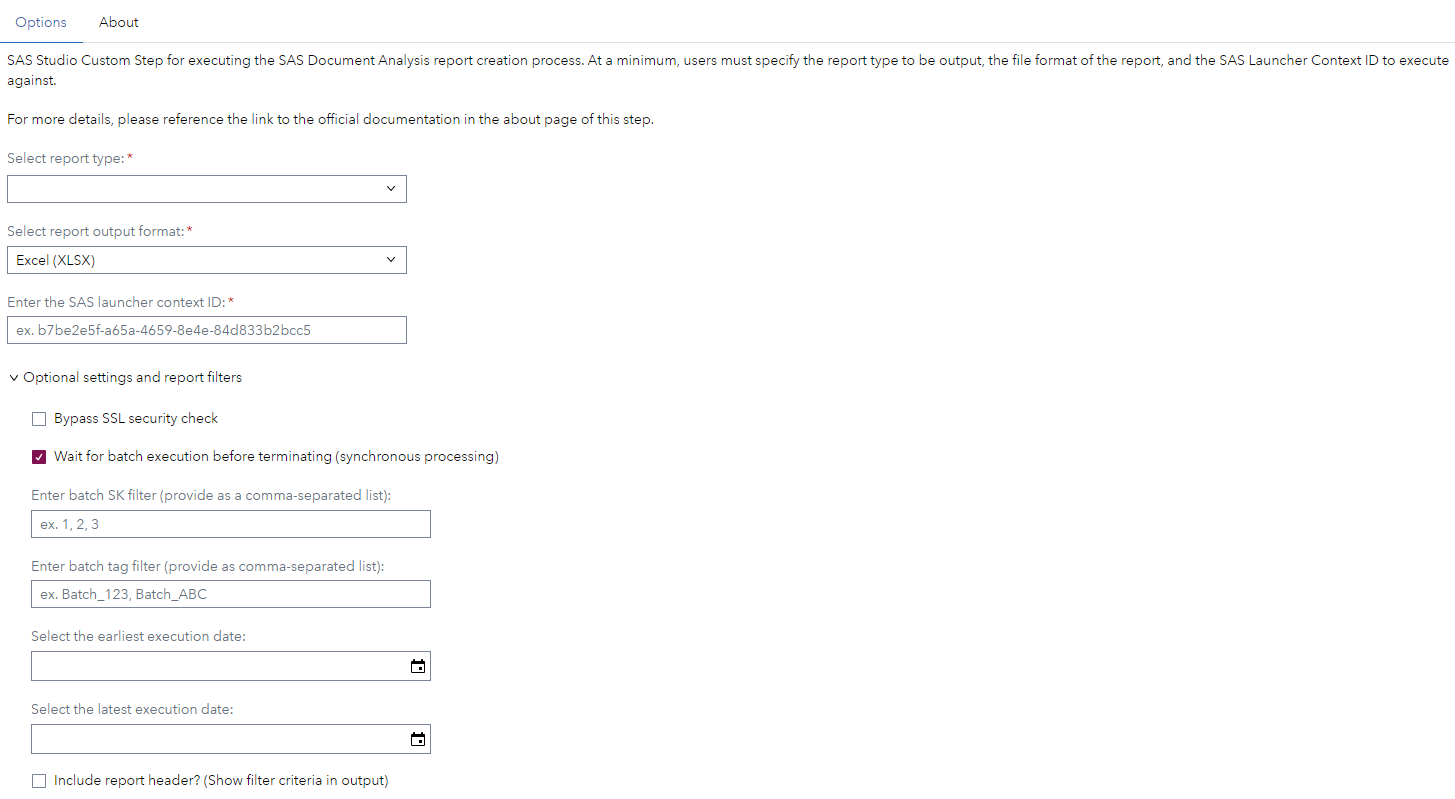
SAAM - Document Analysis - Produce Usage Report - Options Page
Requirements
- SAS Viya 2024.08 or later
- A license for SAS Document Analysis is required
Settings
For more information about the different settings please refer to the SAS documentation linked below.
Documentation
Change Log
SAAM - Document Analysis - Produce Usage Report
-
Version 1.7 (23JUN2026)
- Added "OCR Usage" report type option (create_ocr_usage_report.py)
-
Version 1.6 (28MAY2026)
- Renamed step from "OCR - Document Analysis - Produce Usage Report Output" to "SAAM - Document Analysis - Produce Usage Report" to conform to the SAAM naming standard
-
Version 1.5 (22APR2026)
- Remove "bypass SSL" option. Default to False
-
Version 1.4 (16APR2026)
- Communicate exit codes for failed SDA batch processes
-
Version 1.3 (19FEB2026)
- Use absolute path for python command
-
Version 1.2 (21NOV2024)
- Added option to enable syncronous processing
- Added option to suppress SSL check
-
Version 1.1 (29OCT2024)
- Implemented feedback
-
Version 1.0 (07OCT2024)
- Initial version