Python - Switch Environments
Description
Switch between different Python environments or revert to the original environment from within your SAS Viya session. This SAS Studio custom step enables you to seamlessly toggle between a specified virtual environment (venv) and the default/original Python environment, supporting reproducible and portable analytics workflows.
A quick look:
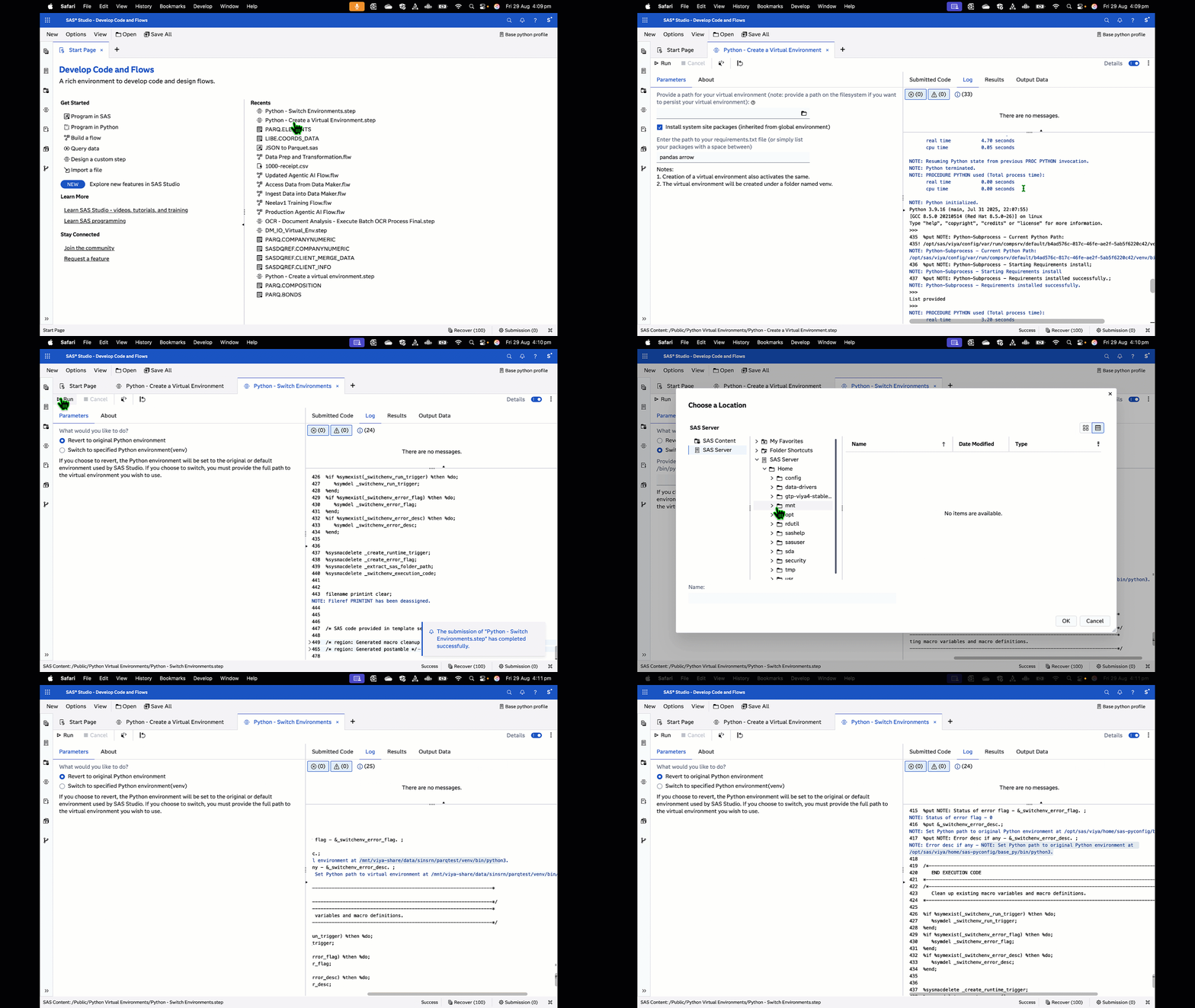
User Interface
Refer to the "About" tab on the step for more details.
Parameters
This step helps you switch between Python environments. Input arguments required:
- What would you like to do?
- Radio Button
- (Default) Revert to original Python environment
- Switch to specified Python environment (venv)
- If switching, provide the path to your virtual environment
- The full path to the 'venv' folder or the folder containing
/bin/python3.
Requirements
- A SAS Viya 4 environment (last test on monthly release 2025.07) with SAS Studio Flows
- Python configured with the above environment (preferably using the SAS Configurator for Open Source)
Installation & Usage
Refer to the steps listed in the main README.md
The WHY : Background information
Refer this blog for background. The ability to create and use virtual Python environments for use within SAS Viya helps data scientists create portable solutions, maintain solution integrity, and exploit the integration between SAS and Python to the fullest extent.
Watch this example!
SAS & Open Source (Python) Integration : Better Together
Creating virtual Python environments within SAS Studio.
This repository contains custom steps which are offered as examples of how you could create, activate, switch between, and package virtual Python environments from within SAS Viya applications and tools, such as SAS Studio. It makes use of Custom Steps, a component within SAS Studio which helps users package repeatable steps in a user-friendly manner.
Change Log
- Version 1.0.0 (29AUG2025)
- Initial release: Switch between original and specified Python environments
- Deprecates existing Activate a Virtual Environment and Revert to Original Environment steps under Python Virtual Environments.
- UI for selecting revert or switch, and specifying venv path
- Error handling for missing or invalid venv paths
- Retains and restores original Python path for session portability
Created / Contact
- Sundaresh Sankaran (sundaresh.sankaran@sas.com)