Python - Create a Virtual Environment
Now you can also install from local .whl (wheel) files available to your SAS Server file system.
Description
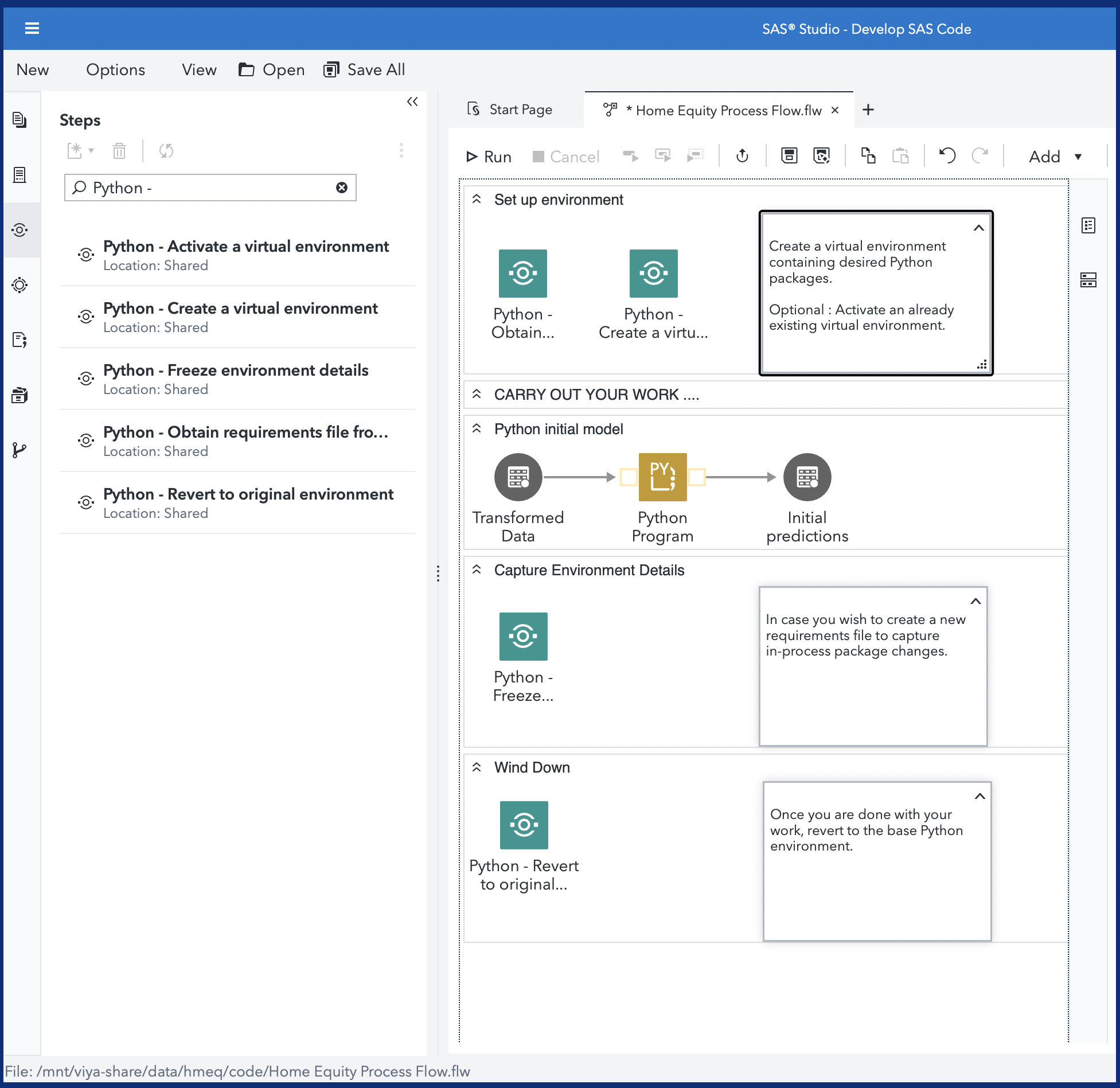
Package your Python-based analytics solutions in a portable, repeatable, and reusable manner. This SAS Studio custom step helps you create a virtual Python environments for use within SAS Viya. This enables ephemeral and isolated sessions.
A general idea of how to use steps related to virtual environments (click for video):
Watch this YouTube video. Link: https://www.youtube.com/watch?v=RaiPOU0M278
User Interface
Refer the "About" tab on the step for more details.
Parameters
This step helps you create a virtual environment. Input arguments required :
- Path to your virtual environment (optional) : specify a full path to a persistent location on the filesystem, for future reuse
- Requirements (optional) : either specify a path to a requirements.txt or enter them in space-delimited format.
- Install system-site packages (checkbox): Keep this checked to ensure system-site packages from the base environment are also made available in the virtual environment.
- Install local Python packages (checkbox): Check this if you want to install local
.whlfiles available in the folder system. - Local Python Packages folder (optional): If you've checked "I have local packages", then select a folder on the SAS Server filesystem (not SAS Content) which contains those
.whlfiles.
Requirements
- A SAS Viya 4 environment (last update on a monthly release 2026.05) with SAS Studio Flows
- Python configured with the above environment (preferably using the SAS Configurator for Open Source)
Installation & Usage
Refer to the steps listed in the main README.md
The WHY : Background information
Virtual Python environments in SAS Viya help data scientists create portable solutions, maintain solution integrity, and exploit the integration between SAS and Python to the fullest extent.
-
Read this blog for background.
Change Log
- Version 3.0.0 (20NOV2026)
- Added option to install local wheel files
Refer the CHANGELOG.md in the extras subfolder for earlier versions.
Contact
- Sundaresh Sankaran (sundaresh.sankaran@sas.com)