Lookup
ACCESS THE CUSTOM STEP FOLDER
Description
The "Lookup" Custom Step will add a column to a table by performing a lookup on another table using hash objects.
Version: 1.0 (21SEP2022)
User Interface
 |
| |
|Requirements
No special requirements.
Usage
Lookup Settings
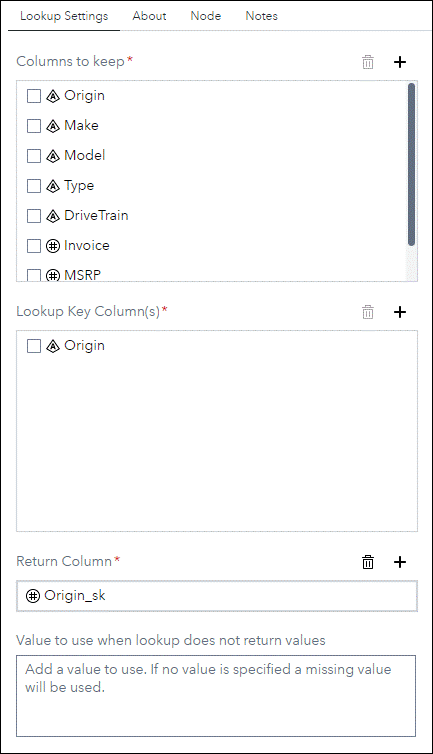
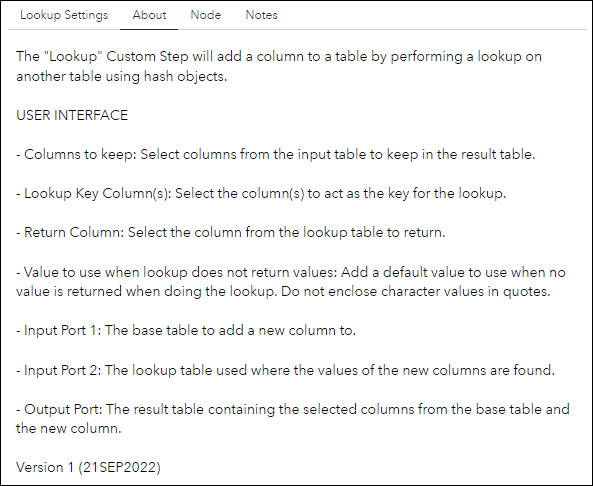
- Columns to keep: Select columns from the input table to keep in the result table.
- Lookup Key Column(s): Select the column(s) to act as the key for the lookup.
- Return Column: Select the column from the lookup table to return.
- Value to use when lookup does not return values: Add a default value to use when no value is returned when doing the lookup. Do not enclose character values in quotes.
Input Port
- Port 1: The base table to add a new column to.
- Port 2: The lookup table used where the values of the new columns are found.
Output Port
- The result table containing the selected columns from the base table and the new column.
Change Log
- Version 1 (21SEP2022)
- Initial version